
FORENSIC DVR & NVR VIDEO RECOVERY
Surveillance video is often stored in proprietary systems that are difficult to export, play, or preserve.
4D Forensics assists with DVR and NVR evidence acquisition, recovery, decoding, timeline review, and conversion so that relevant footage can be examined without losing the context and technical information contained in the source system.
FORENSIC DVR & NVR VIDEO RECOVERY
Surveillance video is often stored in proprietary systems that are difficult to export, play, or preserve.
4D Forensics assists with DVR and NVR evidence acquisition, recovery, decoding, timeline review, and conversion so that relevant footage can be examined without losing the context and technical information contained in the source system.
FORENSIC DVR & NVR VIDEO RECOVERY
Surveillance video is often stored in proprietary systems that are difficult to export, play, or preserve.
4D Forensics assists with DVR and NVR evidence acquisition, recovery, decoding, timeline review, and conversion so that relevant footage can be examined without losing the context and technical information contained in the source system.
PRESERVED SOURCE EVIDENCE
We work from original or native exports for the best possible analysis.
DEFINED FORENSIC SCOPE
Focused questions and testing that match your legal needs.
CLEAR FINDINGS & LIMITATIONS
Results that explain what the video does and does not support.
LITIGATION SUPPORT
Reports, exhibits, and expert testimony that hold up in court.
Act Quickly When Surveillance Footage may be Overwritten
Many recording systems continuously reuse storage. The available retention period may be shorter than expected, and repeated system use can reduce the chance of recovering older footage. When a system may contain relevant evidence:
- Preserve the recorder and connected storage when legally and operationally appropriate.
- Avoid unnecessary exports, resets, updates, formatting, or drive replacement.
- Record the displayed system time and compare it with a reliable reference time.
- Photograph the recorder, model information, connected cameras, drive configuration, and screen messages.
- Preserve usernames, passwords, player software, manuals, and export media.
- Identify the exact date, time range, camera number, and event of interest.
- Contact a qualified examiner before experimenting with damaged or unfamiliar hardware.
Standard computer-forensic imaging of the hard drives alone is often insufficient for DVR and NVR evidence.
Even an experienced computer-forensic examiner may not be familiar with the specialized procedures required to properly preserve a digital video recorder and collect all information necessary for a complete legal preservation and any ensuing analysis.
An experienced video-forensic recovery specialist should be consulted immediately.
It's imperative to document the recorder’s configuration, operating condition, system time, storage architecture, proprietary file structure, software environment, and other critical information that may not be contained on the drives themselves.
Specialized Recovery for Digital Video Recorders
PHYSICAL RECOVERY
FILE SYSTEM RECONSTRUCTION
PROPRIETARY FORMAT SUPPORT
DATA VERIFICATION
FORENSIC HANDLING
DETAILED REPORTING
DVRs store video in proprietary formats and file systems that can be complex and fragile. Our experts have the tools and experience to recover data from a wide range of brands, models, and failure scenarios.
How The Recovery Process Works
1. Triage & Preservation
Plan
We review the system condition, overwrite risk, time window, hardware, and legal or operational constraints. The safest acquisition method is selected before analysis begins.
2. Acquisition & Technical Examination
The recorder, drives, forensic images, or native exports are examined. Available file systems, proprietary structures, indexes, databases, and video segments are identified and preserved.
3. Recovery, Decoding, & Timeline Review
Recoverable video is reconstructed when possible. Proprietary files may be decoded or converted for review. Camera channels, timestamps, clock offsets, and recording gaps are evaluated.
4. Delivery & Forensic Support
Deliverables may include native files, converted review copies, player software, recovered clips, timeline findings, file inventories, reports, and expert support.
1. Triage & Preservation
Plan
We review the system condition, overwrite risk, time window, hardware, and legal or operational constraints. The safest acquisition method is selected before analysis begins.
2. Acquisition & Technical Examination
The recorder, drives, forensic images, or native exports are examined. Available file systems, proprietary structures, indexes, databases, and video segments are identified and preserved.
3. Recovery, Decoding, & Timeline Review
Recoverable video is reconstructed when possible. Proprietary files may be decoded or converted for review. Camera channels, timestamps, clock offsets, and recording gaps are evaluated.
4. Delivery & Forensic Support
Deliverables may include native files, converted review copies, player software, recovered clips, timeline findings, file inventories, reports, and expert support.
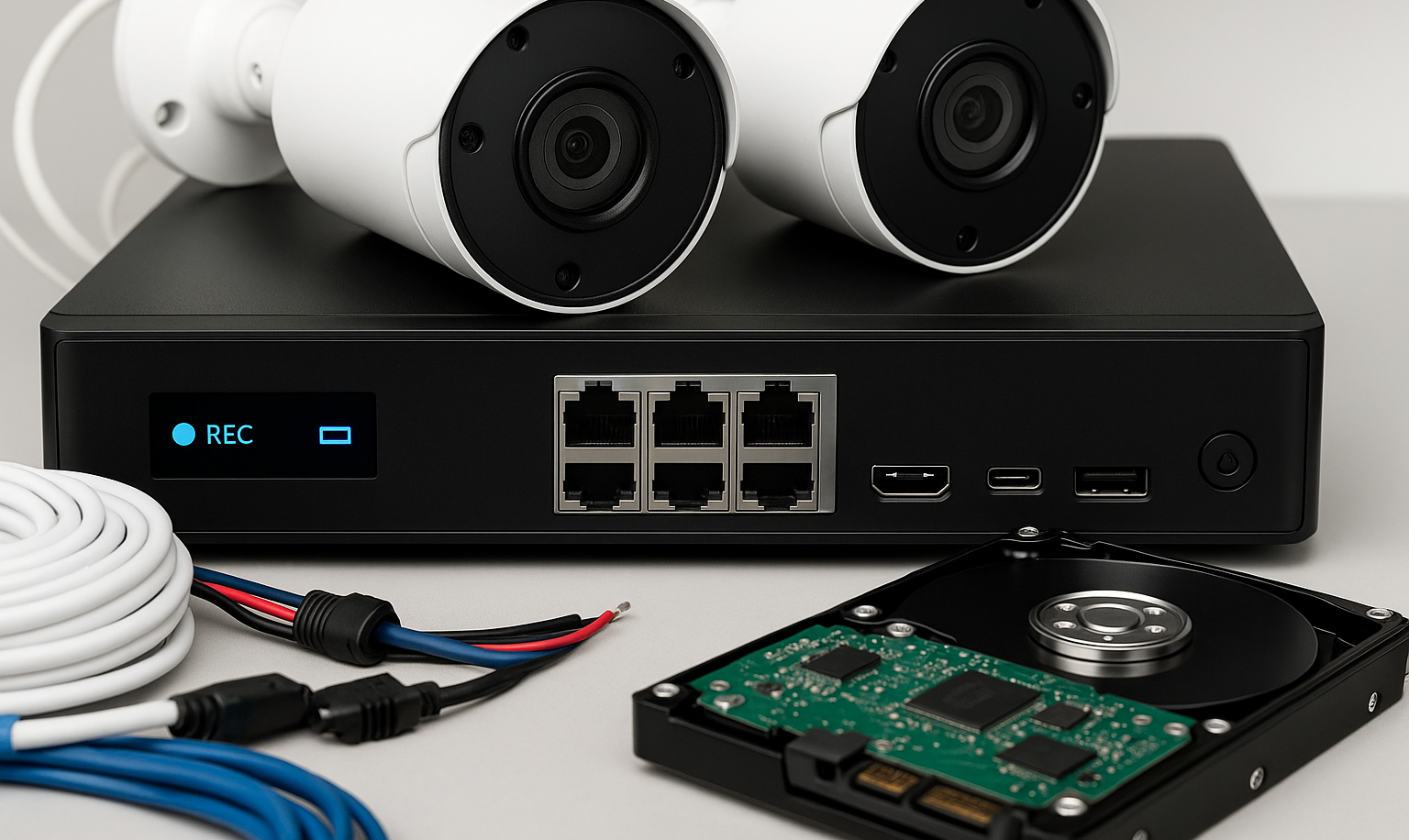
DVR & NVR
Problems We Address
- Proprietary video that will not open in common software
- Missing or incomplete exports
- Damaged, failed, or inaccessible recording systems
- Deleted, fragmented, or partially overwritten video
- Incorrect system clocks or disputed timestamps
- Exported files without the required player
- Multiple cameras that need timeline alignment
- Unusual codecs, containers, or file structures
- Video that must be converted for review while preserving the native source
- Recovery from removed or imaged storage media when possible
What Recovery Cannot Guarantee
Deleted or overwritten video is not always recoverable. If new data has replaced the relevant recording, no software can reliably restore the original content. However, fragments may exist and can be forensically carved out. Physical drive damage, encryption, failed components, proprietary design, missing indexes, and incomplete source access may also limit the result.
A converted playback file should not replace the native evidence. Best practices require to preserve both the original source and any derived review copy, along with documentation of how the conversion was performed.
Frequently Asked Questions About DVR Recovery
Should the DVR be turned off?
The correct action depends on the system, overwrite risk, operational needs, and safe preservation method. Do not reset, update, format, or experiment with the recorder. Contact an examiner promptly and document the current condition.
Can deleted surveillance video be recovered?
Sometimes, but not after every deletion or overwrite. Recovery depends on the recorder design, storage method, amount of new recording activity, file fragmentation, and physical condition of the drives.
Why does the exported time not match the actual event time?
Recorder clocks may be incorrect, drift, change with daylight saving settings, or display different time zones. A forensic timeline review can compare the system time with reliable reference events and explain the offset.
Can proprietary video be converted to MP4?
Often, yes, for practical review and presentation. The native export, player, metadata, and conversion documentation should also be preserved because ordinary formats may not retain all original information.
DVR & Mobile Data Recovery Analytical Specialties
When video evidence is trapped in a damaged or inaccessible DVR, we can help. Our forensic DVR recovery services involve physically extracting data from DVR hard drives, bypassing proprietary software, and recovering deleted or overwritten video when possible.
- DVR Data Extraction from Damaged, Corrupted, or Proprietary Systems
- Recovery of Deleted, Overwritten, or Fragmented Video Files
- Timecode Alignment and Reconstruction of Recording Timelines
- Mobile Device Data Retrieval from Smartphones and Tablets
- Bypassing Proprietary Formats for Playback and Analysis
- Metadata Preservation to Maintain Evidentiary Integrity
- Validated Forensic Methods for Court-Admissible Results
Our processes ensure chain of custody and preservation of evidence. We also provide format conversion and playback assistance for obscure or proprietary file types.
